Driver Portal

Your car, your session — always in reach

Track every valet session live, keep your vehicles and QR in one place, and request your car in a single tap — from web, app, or a text message.

No app required Live retrieval status Works everywhere you park
Phone mockup
One Driver Profile
Register once. Use the same profile everywhere.
Any Device
Website, SMS, and Mobile App work together.
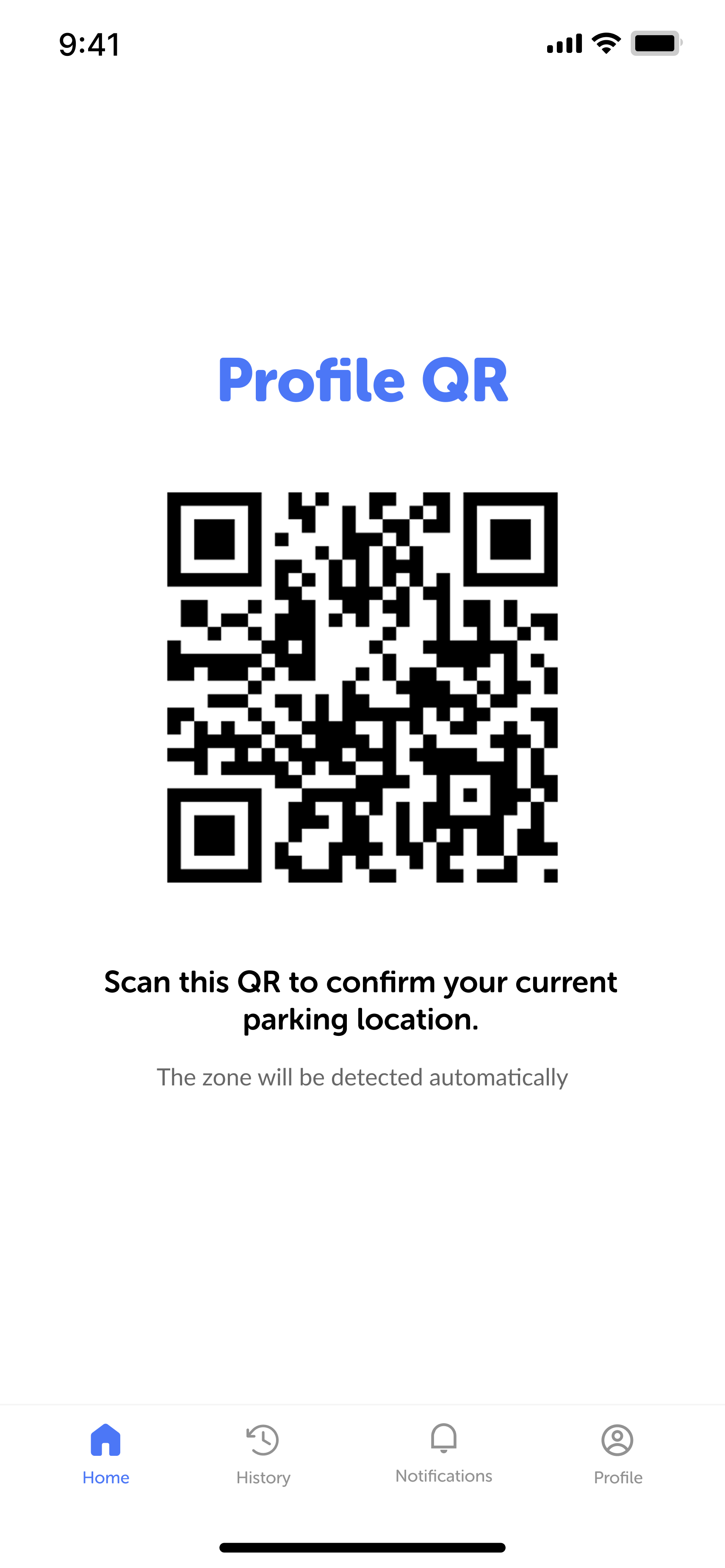
Personal QR Code
One QR for faster check-ins at every visit.
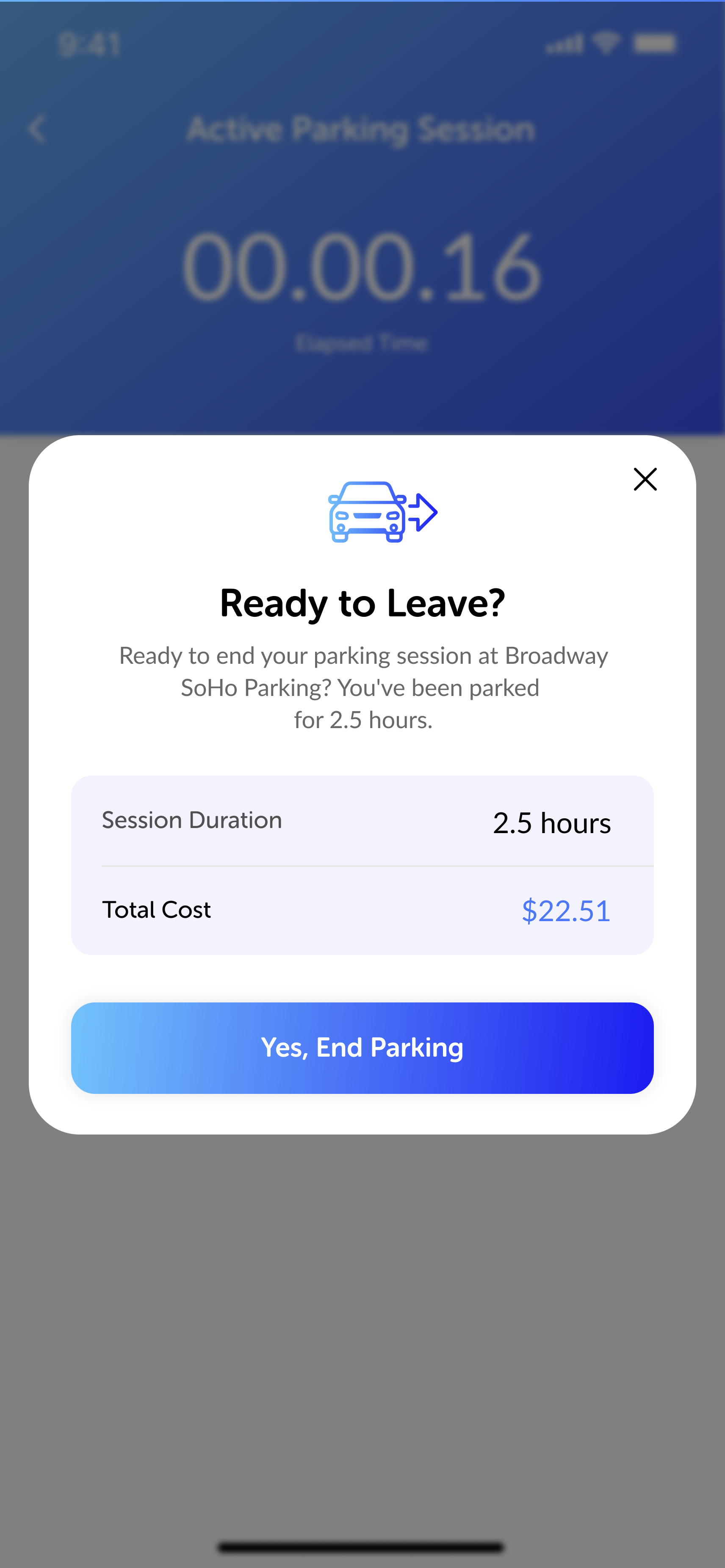
Live Session Tracking
Track your vehicle in real time from any device.
The driver portal

One place for every vehicle you hand over

Register once and TapToPark keeps a single driver profile — your vehicles, QR code, and full session history stay together no matter where you check in.

All your vehicles

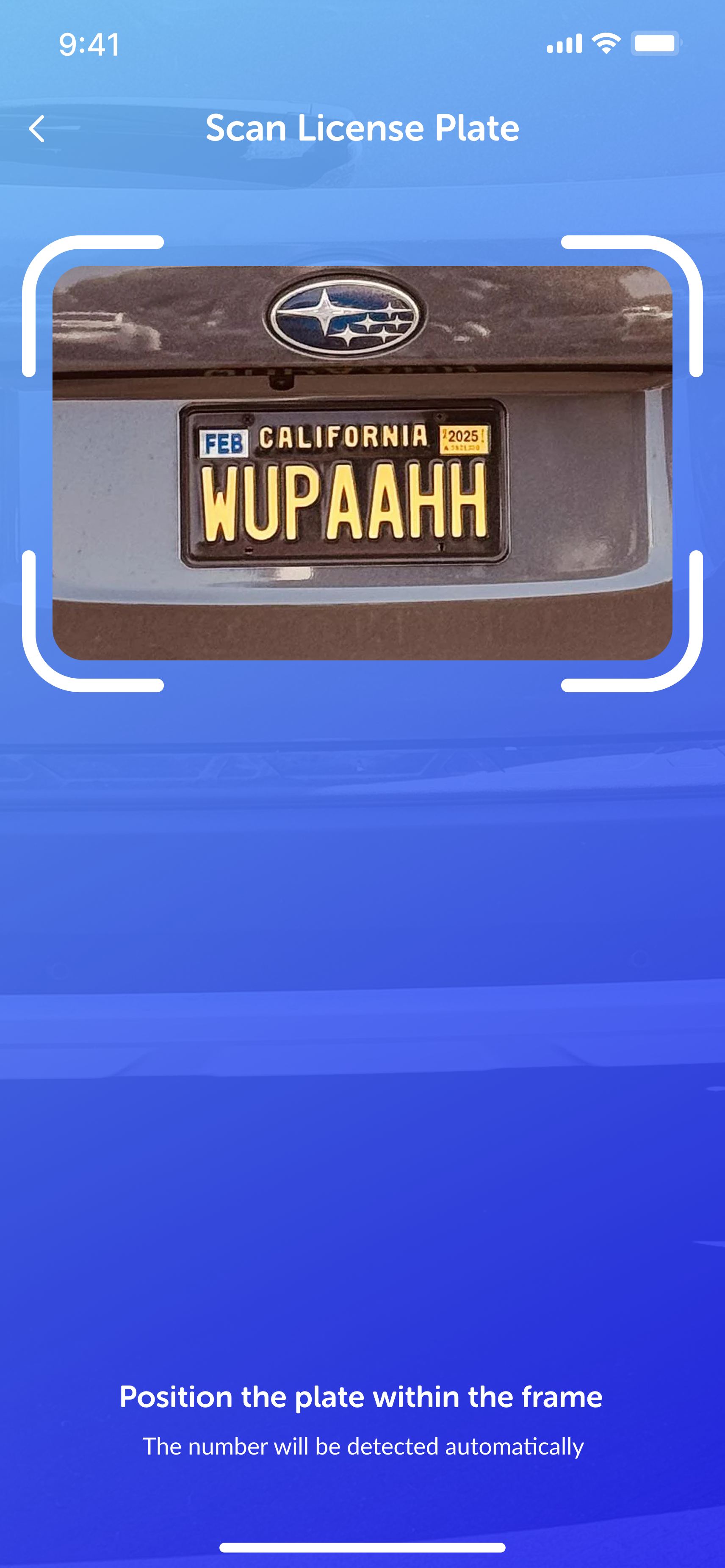
Save make, model, color, and plate once. Pick the right car at check-in in seconds.

A personal QR

One QR pass to check in at any location — save it to your phone or wallet.

Full history

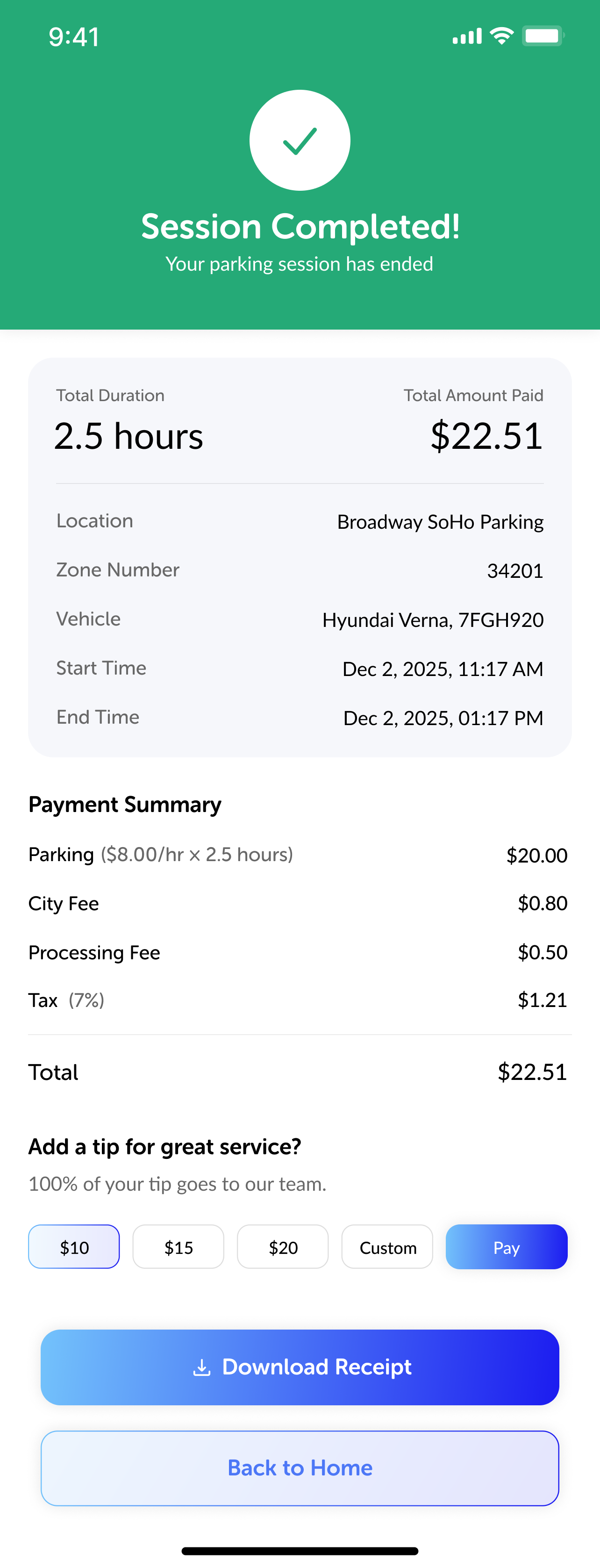
Every past session, receipt, and inspection photo kept in one timeline.

Track a session

Two ways to stay on top of your car

Track a live session instantly, or sign in to the portal to manage everything in one place.

OR
01 No account

Track My Vehicle

Enter your mobile number or License Plate number to instantly view your vehicle's live status—no account required

    Explore your vehicle's live status
    Enter your phone number, or your license plate and state, above to look up your session.
    02

    Visit the portal

    Create a free driver account to unlock everything in one place — no ticket needed next time.

    Generate your QR codeOne code for instant check-in on every visit.
    Manage your vehiclesSave cars and plates so retrieval is one tap.
    Full session historyPast parks, receipts and inspection photos.
    Real-time notificationsGet pinged the moment your car is ready.
    Open Driver Portal
    How to use the portal

    Three ways in, one profile

    Check in and manage sessions however you like — it's always the same account.

    Web Portal

    A full-featured desktop hub for any browser — ideal for fleet setup and deep session history.

    Manage & assign vehicles
    Review completed session histories
    Generate personal access QR codes
    Track invoices & payment methods

    SMS Links

    No app download, no account or password required — reply to the text on any ticket for a single session on any device.

    Manage & assign vehicles
    Review completed session histories
    Generate personal access QR codes
    Direct link to a particular session only
    Why drivers love it

    Why Drivers Love TapToPark

    No App Required

    Track your vehicle instantly from any browser using your phone number or Session ID.

    Faster Future Visits

    Save your information once and check in faster every time.

    Everything in One Place

    View your vehicles, receipts, inspection photos, and parking history from one profile.

    One Profile Everywhere

    Your QR code and driver profile work across participating TapToPark locations without creating another account.

    Where you'll find us

    Built For Every Place People Park

    One profile, one QR code — the same effortless experience wherever valet operates.

    Hotels Restaurants Hospitals Residential Communities Event Venues Country Clubs Corporate Offices Airports
    FAQs

    Everything you need to know

    Can't find your answer here? Our team replies within one business day.

    No. You can register and track sessions right from the web, or just reply to the text message on your ticket. The app is optional and adds one-tap requests and push updates.

    Enter the mobile number you checked in with, or the session ID printed on your ticket, on the "Look up a session" page. No account is required.

    Yes. Your vehicles, QR code, and session history travel with your driver profile to any TapToPark location nationwide.

    Your saved vehicles, personal QR code, full session history, receipts, and inspection photos — all kept together under one driver account.

    Yes. Your TapToPark profile is designed to work across participating TapToPark locations. As our network grows, you’ll continue using the same profile, QR code, vehicles, and parking history without registering again.

    Every status change an attendant logs — parked, retrieving, en route, arrived — pushes instantly to your phone or portal, so you always know exactly where your vehicle is.
    Stuck at a gate or lost your session link? Our 24/7 digital concierge network is here to help you get moving instantly.